
For Halloween CNC wall art, choose shallow pockets when bold outlines, recessed color fields and contrast carry the image. Choose 3D relief when the shape needs rounded surfaces and changing shadows. Neither treatment is automatically better: the useful choice is the one that preserves what makes the design recognizable at the size you actually want to display.
A pumpkin-and-moon plaque shows the difference. The same subject could become a graphic piece with recessed eyes and a dark background, or a sculpted pumpkin whose ribs rise from the wood. Those are different design intentions, even if the download previews look equally dramatic. Decide what the finished surface should do before choosing a file or a set of cutters.
Decide Whether the Image Needs Color Boundaries or Curved Form
Consider a hypothetical original design: a pumpkin beneath a crescent moon, with a few bats and a bare branch around the border. If the pumpkin's expression depends on broad eyes and a clearly shaped mouth, flat recessed areas can carry much of its character. The uncut surface and pocket floors establish separate levels; a planned color contrast can distinguish the face from its surroundings without sculpting the entire pumpkin.
This is the role of pocketing. Vectric describes a pocket toolpath as removing material inside selected vector boundaries to a specified depth. For the hypothetical plaque, those boundaries define which regions become recessed and which remain. The important design question is not how many small lines can be included, but whether the eyes, mouth and spaces around the bats still form an intelligible image.
There is a real seasonal example of this approach. In his Instructables Halloween wall-art project, davethewoodworker describes tracing an image, pocket-machining it and adding color. That creator's account demonstrates a graphic treatment rather than a requirement to sculpt every Halloween image. It is not an ED1 test or a ready-made machining recipe for another setup.
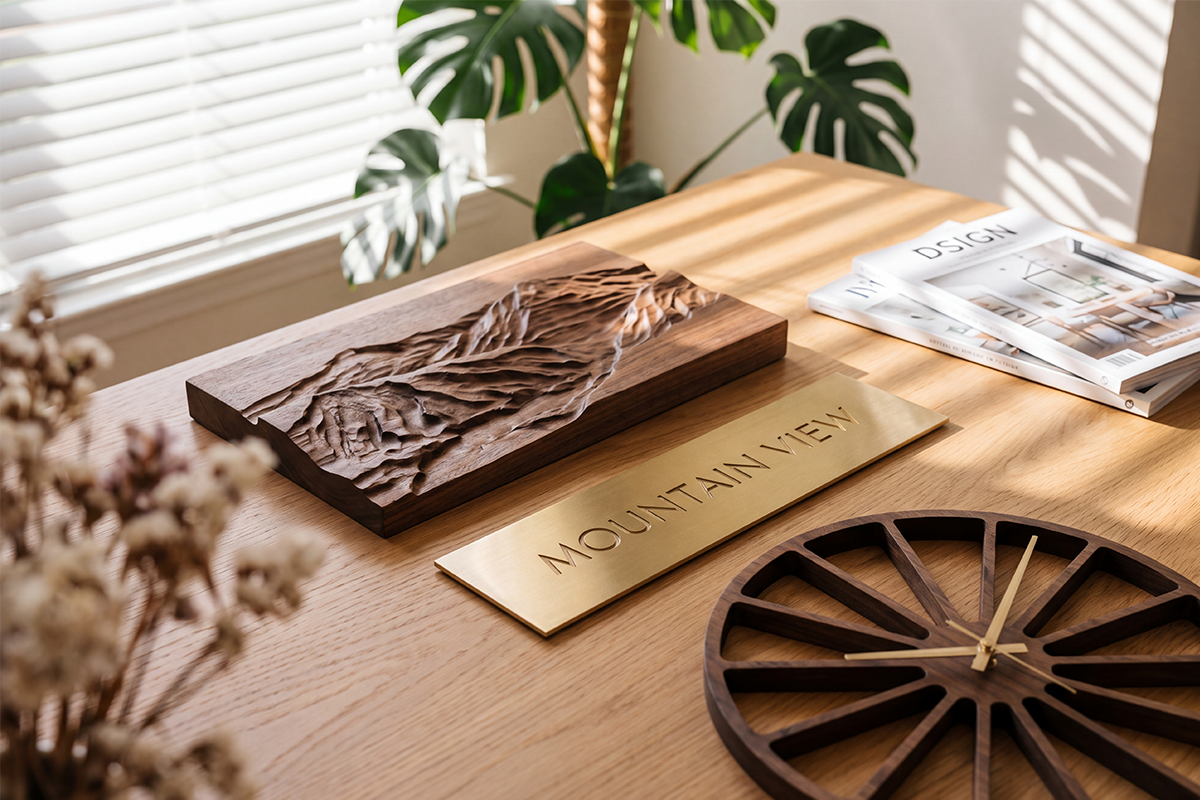
Relief becomes more compelling when the pumpkin's curved body is the point. Raised ribs, descending folds and a rounded cheek change the surface rather than merely dividing it into colored regions. A pocketed face can communicate the expression; a sculpted body can communicate volume. If you would still want the pumpkin's shape to be visible with a simple finish, that is a reason to consider relief.
Put Depth Where It Changes the Composition
The hypothetical plaque does not have to make every element equally sculptural. A rounded pumpkin against a simpler pocketed background can give the main subject a different visual treatment from the surrounding moon and bats. That is a purposeful hybrid: the changing surface belongs where it contributes to the focal image, while the background remains easier to read as a set of shapes.
Compare that with adding bark texture to every branch, folds to every bat and a densely modeled sky. Those details may be attractive separately, yet they can compete with the expression you wanted the pumpkin to carry. This is a design judgment rather than a machining defect. Removing background texture may improve the intended composition more than adding another finishing operation.
A fully graphic version can also be the stronger choice. If the desired effect is a clear orange face against a dark field, a sculpted body may add little to that intention. Conversely, if the piece is intended as a small carved portrait with subtle surface transitions, simplifying it into flat regions would remove the feature that made it appealing. Choose the treatment from the image's purpose, not from an assumption that more depth means a more valuable project.
The machining consequences follow that choice. Vectric's 3D finishing guidance relates tool size and the detail in the part to the finish, and describes a tradeoff between cutting time and quality. That does not establish a runtime for your plaque, or prove that pocketing always finishes sooner. It does explain why adding sculpted detail creates a tooling and finishing decision rather than a free visual upgrade.
Check the Pumpkin's Teeth at the Actual Plaque Size
Reducing a model to fit a desktop CNC reduces its small features too. The overall pumpkin may still look convincing, while the gaps between its teeth or the separation between a bat and a branch become much smaller than expected. A screen image can conceal that change because you can zoom in until the detail looks large again.
In the hypothetical design, decide whether the teeth are necessary to the expression. If they are, broaden the important gaps or simplify the mouth so the chosen tool can represent them. If they are incidental decoration, removing a few may preserve the expression without asking a finer cutter to reproduce every original notch. The aim is to retain the subject, not to preserve all the lines at any cost.
Relief has a related choice. A broad rounded rib may remain an effective feature on a smaller plaque, while a cluster of narrow folds becomes indistinct with the intended tooling. Inspect the actual toolpath preview at the proposed physical size, concentrating on the features that distinguish this pumpkin from a generic outline. A pleasing shaded model is not enough if the calculated result loses the very expression you selected it for.
There is no universal minimum detail size for all wood, cutters and setups. A smaller tool can change which features are reachable, but it also changes the operation you must support. Enlarging or redrawing a critical feature can be a more appropriate design decision than treating a smaller bit as an automatic cure. Do not let an attractive download commit you to geometry your planned setup cannot reproduce.
Fit the Complete Project to the ED1, Not Just the Artwork
Once the visual treatment is clear, the ED1 enclosed desktop CNC router provides a concrete platform to evaluate for a compact wood plaque. TwoTrees publishes a 300 × 200 × 120 mm work area, a 600W spindle and a five-tool magazine. Its product applications include wooden decorative work, making the relevant question how your chosen plaque and operations fit that platform.
The artwork's outside rectangle is only part of that fit. The blank also needs material and space for the selected holding arrangement, while the cutter and holder need clearance during cutting and travel. A border you intend to keep can have a visual role, but it must not be assumed to provide an adequate grip without checking the actual setup. The nominal work area is not a promise that a finished plaque of the same outside dimensions can be machined in every arrangement.
A one-sided pumpkin relief does not inherently require a fourth axis. Its depth comes from movement over the front surface, not from carrying a pattern around a rotating cylinder. Keep the project focused on the front-face operations it actually needs rather than adding rotary work simply because the design is described as “3D.”
Plan secure workholding for the whole job, including any operation that separates the plaque from its surrounding stock. Follow the machine and tool instructions, use appropriate wood-dust extraction and required protective equipment, and supervise machining. The enclosure does not replace those measures. Stop and isolate the machine as directed before hands-on setup or tool work; never resolve a clearance problem by weakening the hold or bypassing a guard.
Choose Cutters for the Operations You Kept
A pocketed graphic and a sculpted pumpkin do not ask the same thing of the cutting end. A suitable flat end mill is relevant to clearing flat-bottomed regions; a ball-nose tool is relevant to following curved relief surfaces. The correct diameter and cutting geometry depend on the regions and details you decided to retain, along with the material and supported machine setup.
For the hypothetical hybrid, a clearing operation could establish the broad background while a separate finishing operation develops the pumpkin's curved surface. Additional detail work is justified only if it preserves something important that those operations cannot represent. That is where ED1's automatic tool-changing arrangement has a useful role in a multi-operation project. It does not decide which detail deserves another tool, or remove the need for correct tooling, references and machine-appropriate CAM output.
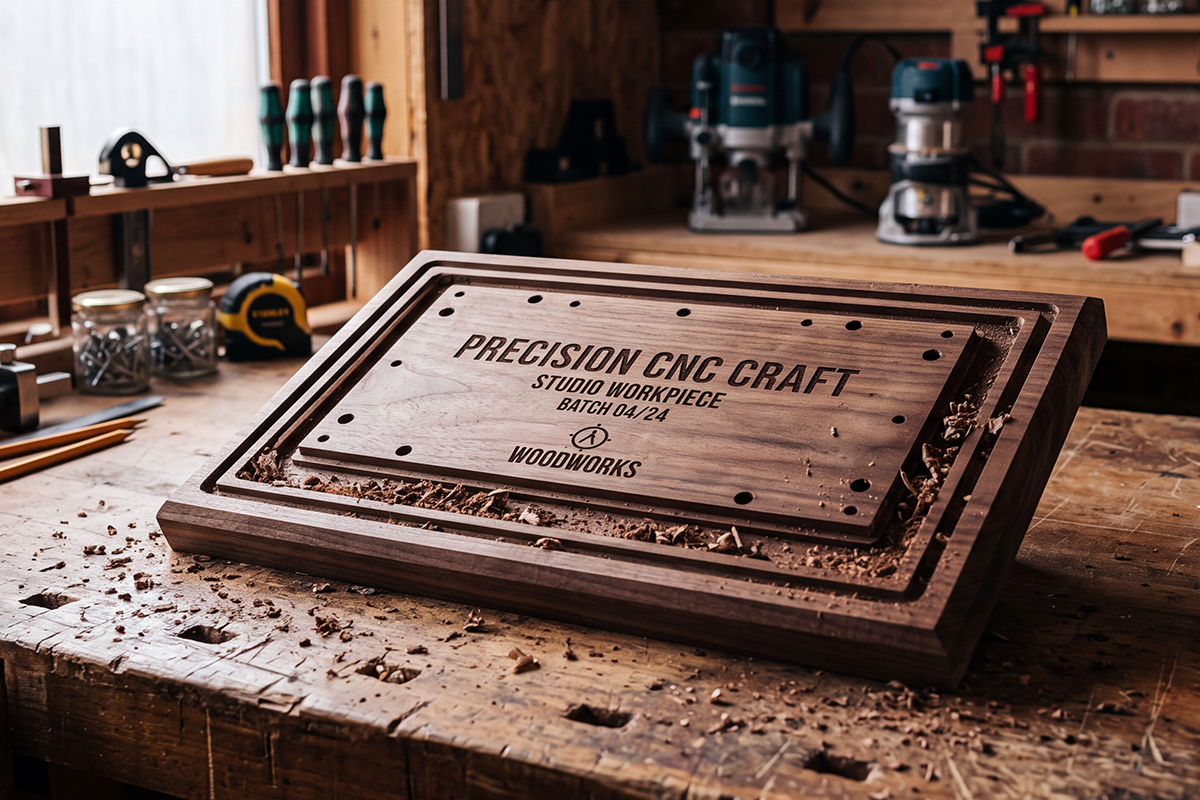
Use the TwoTrees CNC router bits collection to compare the relevant cutter families after identifying those jobs. Check the exact shank, cutting geometry, material suitability and spindle fit; being in the collection does not establish that every cutter suits every ED1 operation. A large assortment is not a substitute for selecting the few tools your particular design needs.
The file still has to become an appropriate machining program. Vector artwork describes the boundaries used to plan operations; a relief model describes a surface. Neither the appearance of the file nor an STL extension makes it machine-ready G-code. Select a design you can prepare in the actual CAM workflow for your machine rather than assuming that a downloadable picture already contains the required toolpaths.
Keep the Detail That Makes It Your Design
Return to the pumpkin's expression before committing. If broad recessed eyes and a mouth deliver it, the graphic pocketed version may be the right project. If the rounded body and folds are essential, preserve them as relief and give them space to remain visible. If only the pumpkin needs that treatment, leave the surrounding scene deliberately simpler instead of automatically sculpting the entire plaque.
The design is ready to progress when its important features remain meaningful at the chosen size, the represented toolpaths retain them, and the blank can be held with the necessary clearance and backing. If an essential feature fails that test, revise its shape, enlarge the design or choose different artwork. The useful Halloween CNC project is the one whose visual intention survives the move from an appealing image to a workable piece of wood.


